When to send a review request email
Google suggests putting your review link in the emails you already send: "Include it in thank you emails", and "You can also send review requests through email, WhatsApp message or Facebook post" (Google). The timing is yours to choose. What we suggest:
| What you sell | When to send | Why |
|---|---|---|
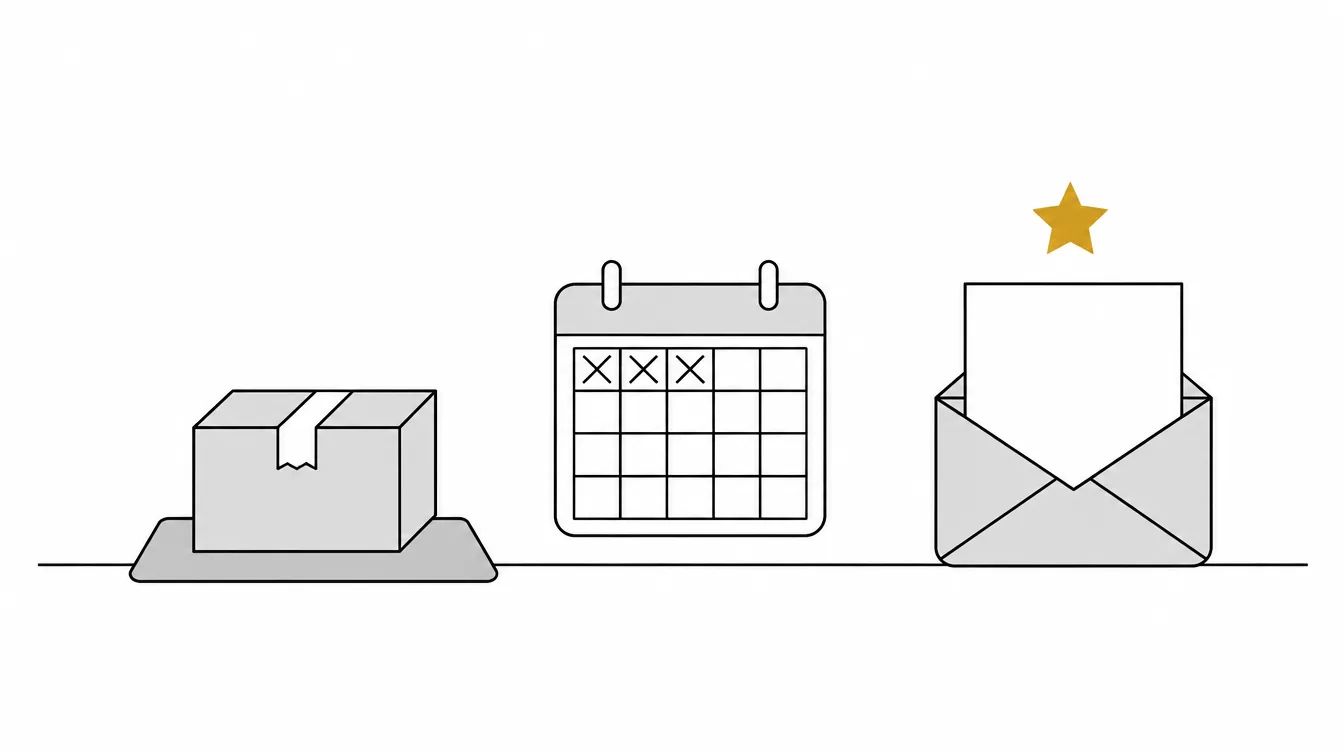
| Products that are posted | A few days after delivery | The customer has opened it and used it |
| Products that take time to judge (skincare, supplements, tools) | One to three weeks after delivery | A review after one use says little |
| Digital products and software | A few days after purchase or sign-up | Long enough to have tried it |
| A service or job | When the job is finished | While it is fresh |
Send it to every customer at the same point. Choosing who gets the email by how you think they feel is the gating Google and the UK regulator ban (see the rules below).
How to set up review request emails, step by step
- Get your review link. Copy it from your review platform, or for Google from your Business Profile.
- Pick one template below and fill in your shop's name and voice. Every customer gets the same words.
- Choose the moment, a set number of days after delivery, and send it to every order at that point.
- Send one reminder to customers who have not answered, then stop.
- Reply to the reviews that come in, good and bad.
What to put in a review request email
- A plain subject line that names your shop or the product.
- The customer's first name, if you have it.
- What they bought, so they know which order you mean.
- An honest ask. Say you want to hear how it went, good or bad.
- How long it takes. A minute or two is the truth for most review forms.
- One link or button straight to the review form, not your home page or a search.
- Your name or your shop's name at the end.
What to leave out: discount codes, new arrivals and other offers; any mention of the rating you hope for; and requests to mention a member of staff by name, since Google does not allow merchants to "request that specific content be included", including "content that identifies a staff member" (Google).
If your email shows stars to click, make every star open the same review form. Sending low ratings somewhere private and high ones to a public page is the selective soliciting Google's policy bans.
Template 1: after an online order
Copy it, then change everything in square brackets.
Subject: How was your order from [Shop name]?

Hello [First name],

Thank you for your order of [product]. We hope it arrived safely.

Would you tell other customers how it went? Good or bad, an honest
review helps them decide, and it helps us get better. It takes about
a minute.

[Write a review]

Thank you,
[Your name], [Shop name]
Template 2: a review of one product
Subject: How are you finding your [product]?

Hello [First name],

You have had your [product] for a little while now, so we would like
to ask how you are finding it.

Whatever you think of it, an honest review helps the next person
choose. It takes about a minute.

[Review your [product]]

Thank you,
[Your name], [Shop name]
Template 3: after a service or a job
Subject: How did we do, [First name]?

Hello [First name],

Thank you for choosing [Business name] for [the job]. If you have a
minute, we would like to hear how it went.

Your honest review, good or bad, helps other people decide and shows
us what to keep and what to fix.

[Leave a review]

Thank you,
[Your name], [Business name]
Template 4: asking for a Google review
Use your own review link from your Business Profile, so the customer lands on the review form rather than a search. Google Maps asks reviewers to sign in before they write a review (Google).
Subject: Would you review [Business name] on Google?

Hello [First name],

Thank you for [your order / visiting us / choosing us]. Would you
tell others how it went on Google? Good or bad, an honest review
helps people decide.

It takes about a minute, and you will need to be signed in to a
Google Account.

[Review us on Google]

Thank you,
[Your name], [Business name]
Template 5: one reminder
Subject: A reminder from [Shop name]

Hello [First name],

A little while ago we asked how your [product] was. If you have a
minute, your honest review, good or bad, would help other customers.

[Write a review]

We will not ask again about this order.

Thank you,
[Your name], [Shop name]
Review request email subject lines
Keep it short, specific and neutral. None of these asks for a rating:
| Subject line | Good for |
|---|---|
| How was your order from [Shop name]? | Any online order |
| How are you finding your [product]? | One product, a while after delivery |
| How did we do, [First name]? | A service or a job |
| Would you review [Business name] on Google? | A Google review request |
| A quick question about your [product] | A product review |
| A reminder from [Shop name] | The one reminder |
Avoid subject lines that ask for "5 stars" or a "positive review". Google does not allow merchants to request specific content, and asking for a rating does exactly that.
Following up: one reminder, the same for everyone
Some customers mean to reply and forget. One reminder, a few days after the first email, gives them a second chance; more than that reads as nagging. Send it only to customers who have not answered, word it the same for everyone, and stop after it. Template 5 above is one we would send.
The rules on asking for reviews by email
| Rule | Who says so | In their words |
|---|---|---|
| Ask honestly | Merchants may "Solicit or encourage the posting of content that does represent a genuine experience, without offering incentives to do so or attempting to influence the rating or the contents of the review" (Google) | |
| No rewards for Google reviews | "Offering incentives, like free of cost or discounted goods or services, in exchange for customers to post reviews, change reviews or remove negative reviews is considered fake engagement and is strictly prohibited" (Google) | |
| Ask every customer, not only happy ones | Merchants may not "Discourage or prohibit negative reviews, or selectively solicit positive reviews from customers" (Google) | |
| No cherry-picking | UK, CMA | Cherry-picking "might be done either through suppressing negative reviews that have been submitted or by encouraging just those who are satisfied to leave reviews" (CMA208, para 4.5) |
| Incentives must show | UK, CMA | Where a platform allows incentivised reviews, "the review must be clearly identifiable as incentivised" (CMA208, para 3.5) |
| No hidden incentives | UK law | Banned in all circumstances: commissioning "a consumer review that conceals the fact it has been incentivised" (DMCC Act 2024, Schedule 20) |
| No paying for a sentiment | US, FTC | Businesses may not give incentives "conditioned expressly or by implication on, the writing or creation of consumer reviews expressing a particular sentiment, whether positive or negative" (16 CFR 465.4) |
| Keep offers out | UK, ICO | "if your market research messages include promotional material", then "this is direct marketing"; a service message with "elements that are direct marketing" counts too, "even if that is not the main purpose of your message" (ICO) |
This is general information, not legal advice, and covers the UK and US rules named above.
Google also makes the plain case for asking everyone: "A mix of positive and negative feedback often feels more trustworthy" (Google).
Mistakes to avoid
- "If you loved it, leave a review; if not, reply to us." That routes only happy customers to the review, which is gating.
- A discount for a review. Even for any review, good or bad, it counts as an incentive under Google's policy.
- Asking before the order arrives. The customer has nothing to review yet.
- Several reminders. One is enough.
- Bundling a sale. An offer in the email can make it a marketing email, with the consent rules that come with one.
- A link to your home page. Every extra step loses people; link to the review form itself.
For where to share your link beyond email, and how to reply to the reviews that come in, see our guide to getting more Google reviews. If a review that breaks the rules arrives, our guide to removing a Google review covers what Google takes down.
Where GoldStarred fits
We make GoldStarred, so weigh this section with that in mind. GoldStarred writes and sends the request for you, and every customer gets the same words: "Good or bad, an honest review helps other customers. It takes about a minute and needs no account." There is no box for a message, a rating or a reward, so a request cannot be steered by mistake. On Free you send 25 invites a month yourself, one at a time or from a spreadsheet (a CSV file). From Growth, at £24, €24 or $29 a month, each customer is invited automatically a few days after they buy, at a delay you choose, with one reminder after 5 days and 300 invites a month; an order reference sent with the invite makes the review Verified. See GoldStarred plans.
FAQ
What should a review request email say?
Thank the customer, name what they bought, ask for an honest review whether their experience was good or bad, say how long it takes, and give one link straight to the review form. Leave out discounts, offers and any hint about the rating you hope for.
When should I send a review request email?
After the customer has the order in hand, not when they place it, and for a service once the job is done. Give them a few days to use what they bought, then send the same request to every customer.
Can I offer a discount for a review?
Not for Google reviews: Google strictly prohibits offering incentives, like free or discounted goods or services, in exchange for reviews. In the US, the FTC bans incentives conditioned on a positive or negative review, and UK guidance says any incentivised review must be clearly identifiable as incentivised.
Can I send review requests only to happy customers?
No. Google does not allow merchants to selectively solicit positive reviews, and the UK's CMA says encouraging just those who are satisfied to leave reviews is a form of cherry-picking. Send the same request to every customer.
How many reminders should I send?
One is enough. Send a single reminder, worded the same for everyone, to customers who have not answered the first email, and then stop.
Is a review request email a marketing email?
It can become one. The UK's ICO says genuine market research is not direct marketing, but a message that includes promotional material counts as direct marketing even if that is not its main purpose. Keep offers and new products out of the request.
What is a good subject line for a review request email?
A short question that names your shop or the product, such as 'How was your order from [Shop name]?' Avoid subject lines that ask for a particular rating, such as five stars.
Sources and check dates
Checked 14 November 2026 unless stated. These pages change, so confirm on the linked page before you rely on a rule.
- Google Business Profile Help: 1create a Google link or QR code to request reviews and 2tips to get more reviews
- Google Maps user contributed content policy: 3prohibited and restricted content; Google Maps Help: 4add, edit or delete Google Maps reviews and ratings
- UK: 5Digital Markets, Competition and Consumers Act 2024, Schedule 20 (checked 29 October 2026); CMA 6fake reviews guidance, CMA208 (published 4 April 2025, checked 29 October 2026); ICO 7identify direct marketing
- US: FTC 8Rule on the Use of Consumer Reviews and Testimonials, 16 CFR Part 465